Settings
Company details, logo and contact data, plus the colours and fonts of your design.
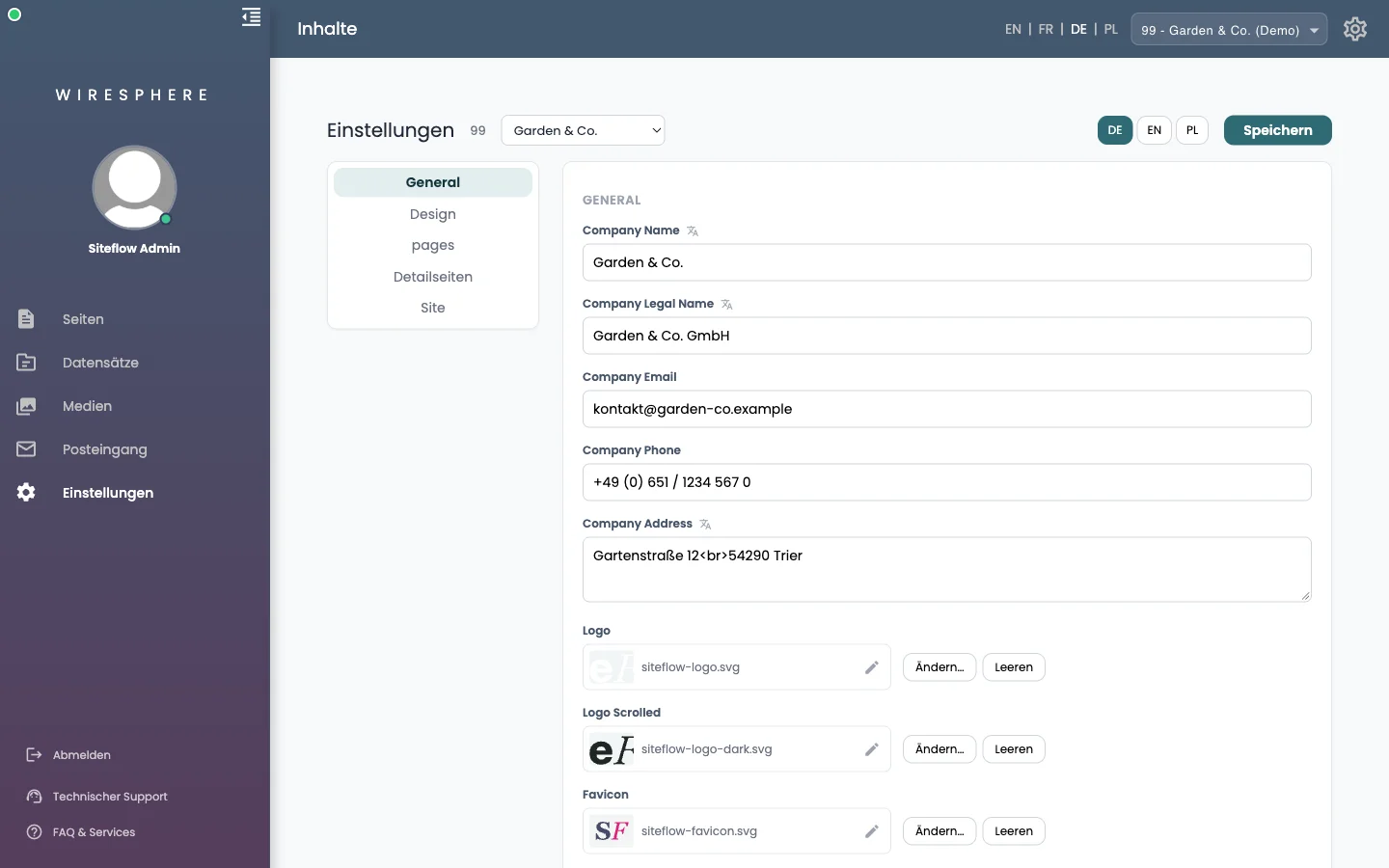
1 General — your company details
The areas are on the left, the form on the right. Under General you keep what applies across the whole website: company name, legal name, email, phone, address, logo and favicon, social networks, the footer, and the default share image. Further down sits the Analytics section — Google Analytics, Tag Manager, Meta pixel; it only takes effect once you tick Analytics aktiv. A consent banner is not part of it; you bring your own.
2 Design — colours and fonts
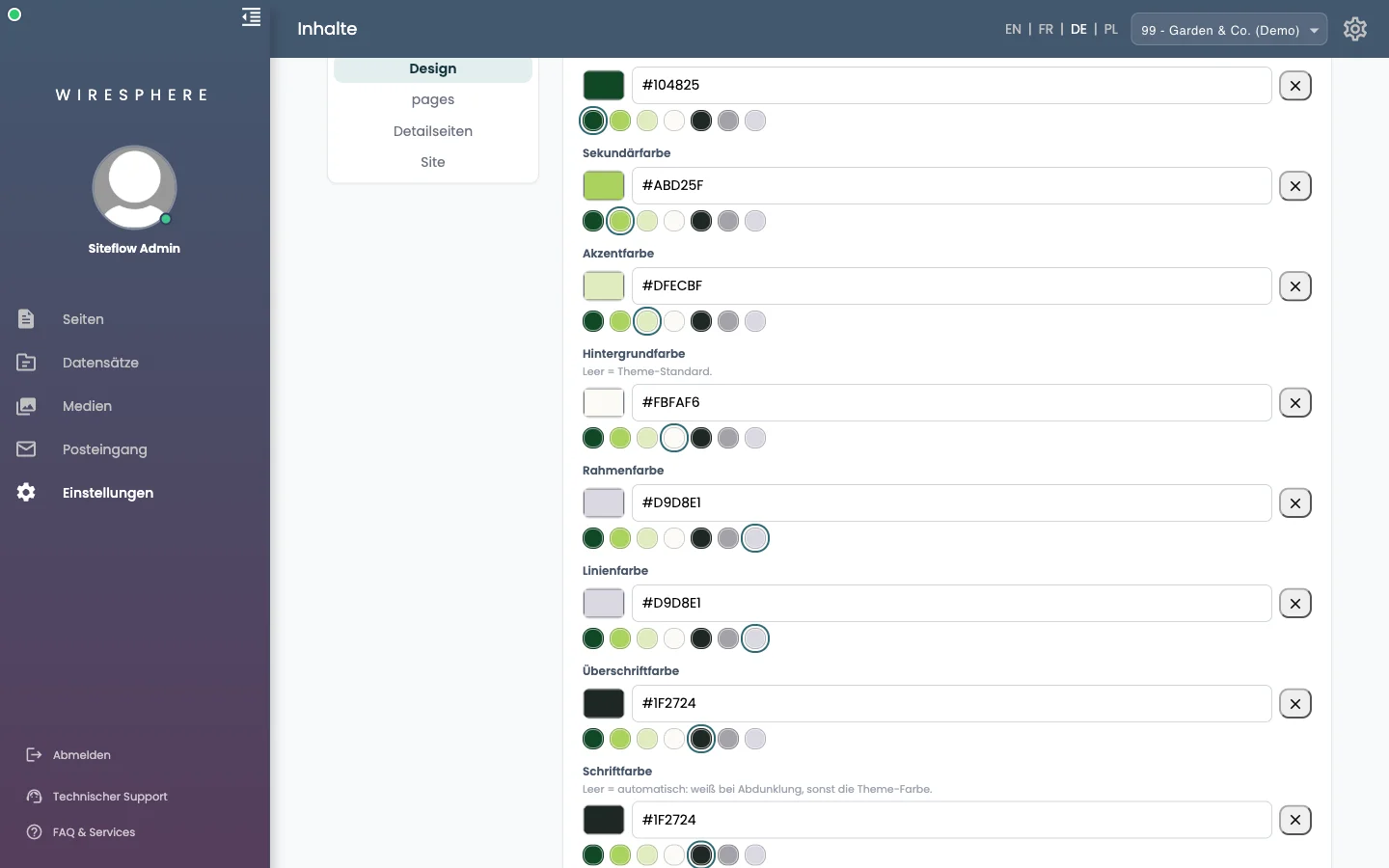
Under Design lives the look of your website: primary, secondary and accent colour, background, borders and lines, colours for headings and body text, header and footer, plus fonts, widths and corner radii. Each colour offers a row of your theme colours to click. An empty field always means: your design’s default applies.
3 The remaining areas
Detailseiten defines how the detail pages of your records are built. Site holds this website’s operating facts — address, design, and the languages it is edited in. In every area the Speichern button at the top right applies your changes; unlike pages there is no draft here, so saved means live.